
SHAREit
SHAREit is a free Windows app from the SHAREit Team for moving photos, videos and documents between a PC and a phone. The current version is 5.1.0.7.
22.7 MB

WinBox is MikroTik's free desktop utility for configuring and managing MikroTik routers and other RouterOS devices.
Average 0.0 · ratings: 0
Thank you! Your rating is saved; you can change it. Could not save the rating. Please try again later. Too many ratings from your network today. Please try again tomorrow. The average appears after 5 ratings.
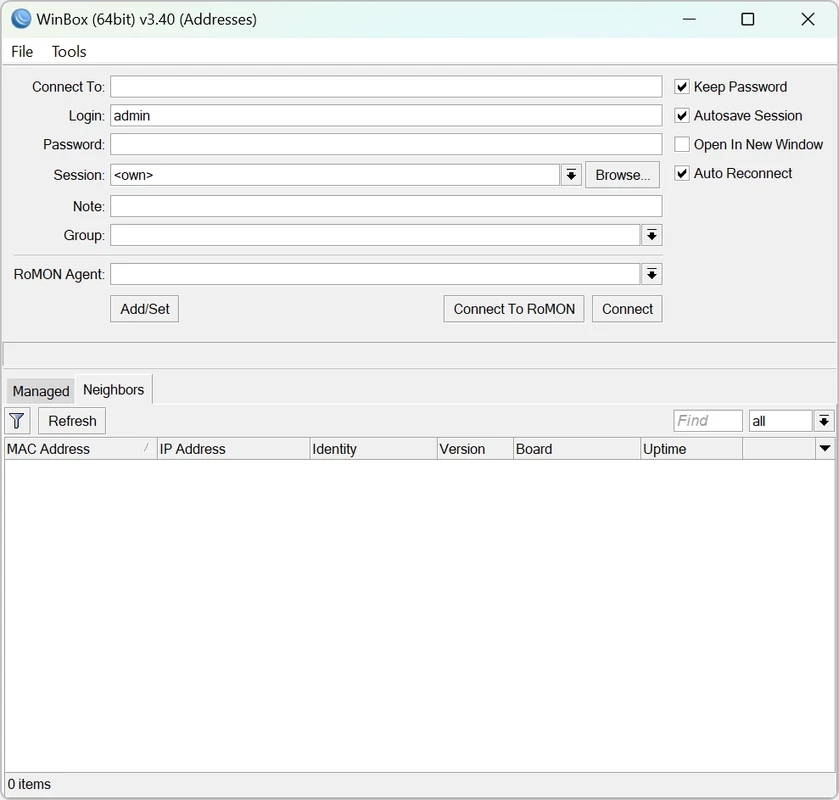
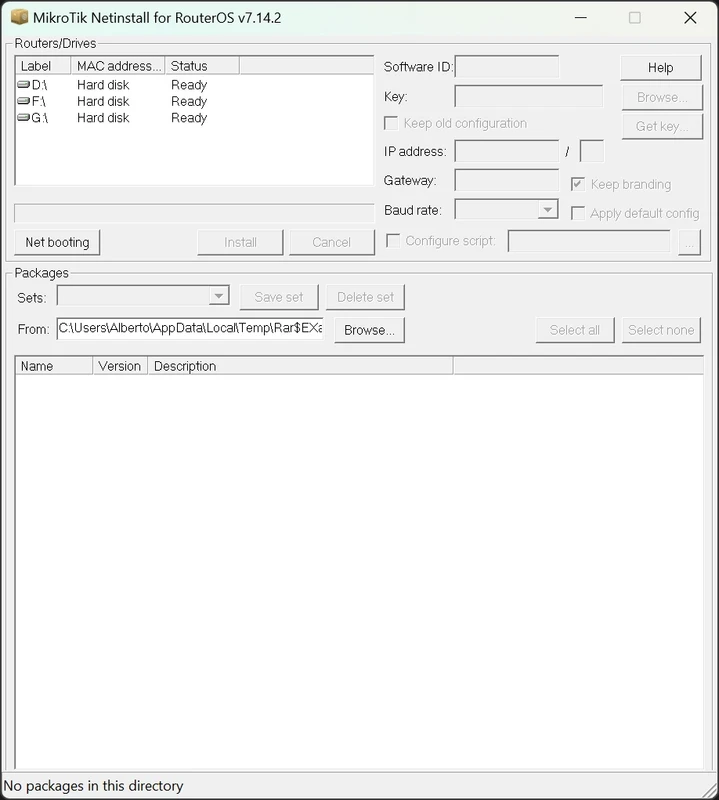
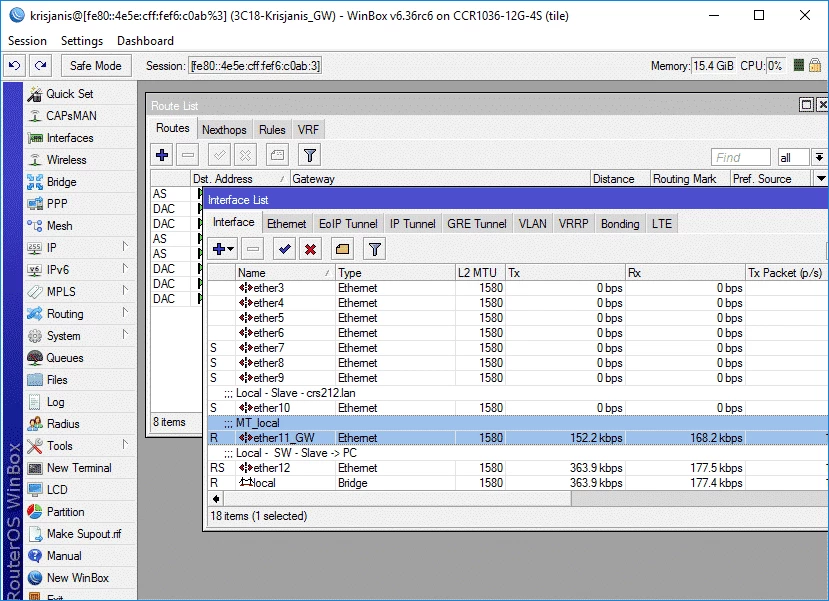
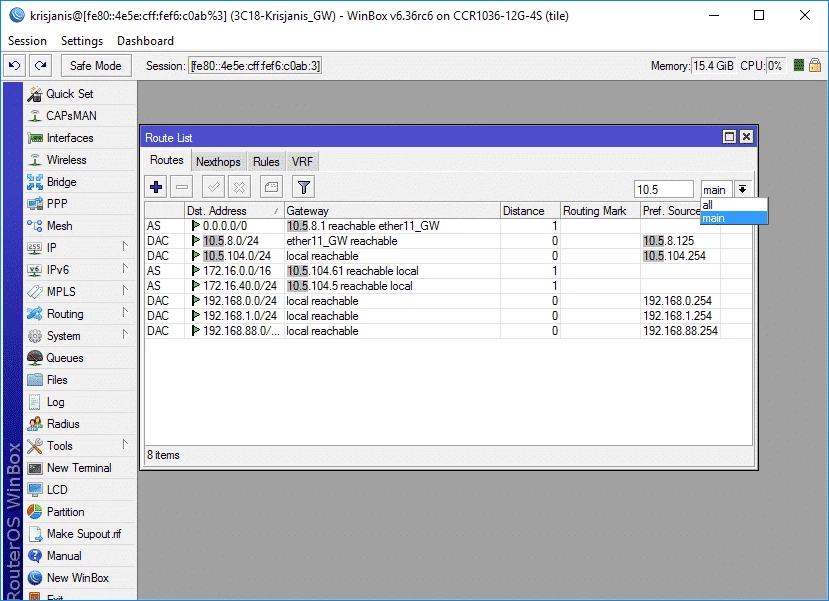
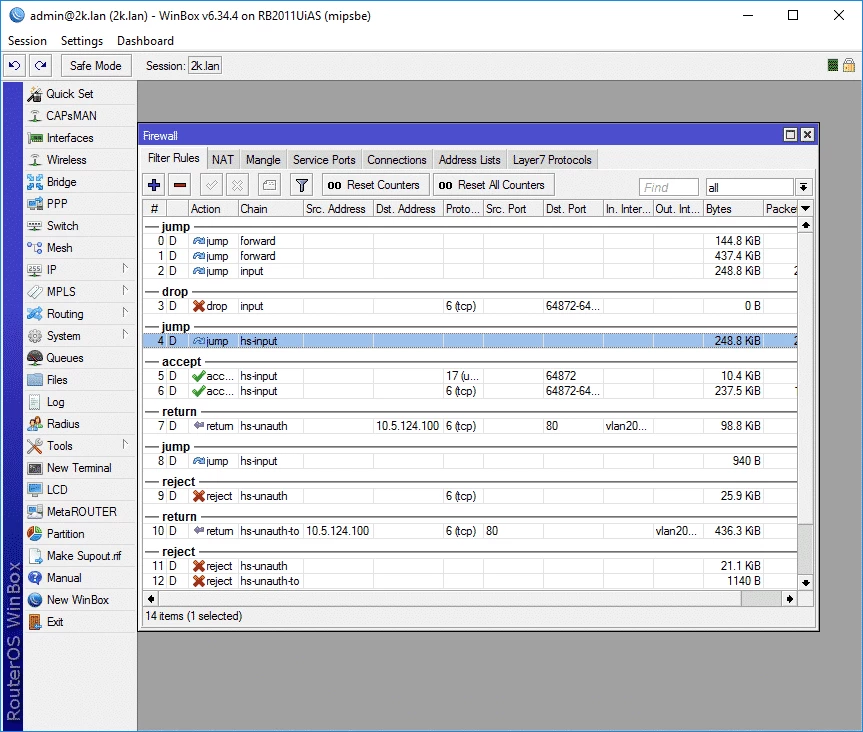
WinBox 4.3 is a free Windows utility from MikroTik for configuring and managing MikroTik routers, switches and wireless equipment. You can download WinBox for Windows from the official MikroTik website; the same version is also available for macOS and Linux.
| Item | Details |
|---|---|
| Version | 4.3 |
| Developer | MikroTik |
| Builds | Windows (64-bit), Windows (arm64), macOS (universal), Linux (64-bit) |
| Licence | Freeware |
| Size | about 20.17 MB according to catalogue data |
MikroTik devices run their own operating system, RouterOS, which can be configured through a web interface, a command line or WinBox. WinBox is the graphical tool many network administrators prefer: it shows the router's settings as windows and lists, so you can manage interfaces, IP addresses, firewall rules, wireless networks and users without typing commands. The typical users are system administrators in offices, internet service providers, network engineers studying for MikroTik courses and advanced home users who bought a MikroTik router for its flexibility. If you have a regular home router from another brand, WinBox is of no use to you.
Changes to a live router take effect quickly, and a wrong firewall rule can lock you out of the router. Make a backup of the configuration before larger changes, work through a local connection when possible and test new rules step by step.
Connect the PC to the router with a cable, open WinBox and log in with the credentials printed on the device or in its documentation. First set a strong password and update RouterOS, then configure the internet connection and the local network. Save a backup file to your computer before you start experimenting, so you can return to a working configuration. If you are new to MikroTik, the official documentation on mikrotik.com explains each section of the settings.
WinBox is free. More about the tool is on mikrotik.com/winbox.
For terminal access to network devices, our listings include PuTTY and Tera Term; for network analysis, Wireshark and Advanced IP Scanner.
SHAREit is a free Windows app from the SHAREit Team for moving photos, videos and documents between a PC and a phone. The current version is 5.1.0.7.

Zapya for Windows is a free file transfer app from DewMobile for moving files between a PC and phones over a local wireless connection.

Easy Connection to Screen is Samsung's Windows app for showing a PC's screen on a compatible Samsung TV over a wireless connection.

Internet Download Manager (IDM) is a shareware download manager for Windows from Tonec that accelerates, resumes and schedules downloads.

uTorrent (μTorrent) is a small BitTorrent client for Windows from Rainberry (BitTorrent Inc) for downloading and sharing files over torrents.

AnyDesk is a remote desktop application for connecting to and controlling another computer over the internet, from a small Windows program.

ShareMe is Xiaomi's free app for sending files between devices without a cable; on Windows the Android app runs only inside an emulator.

Xender is a free file sharing app from the Xender File Sharing Team for sending files between phones and computers over a local connection.